
Customers & apps
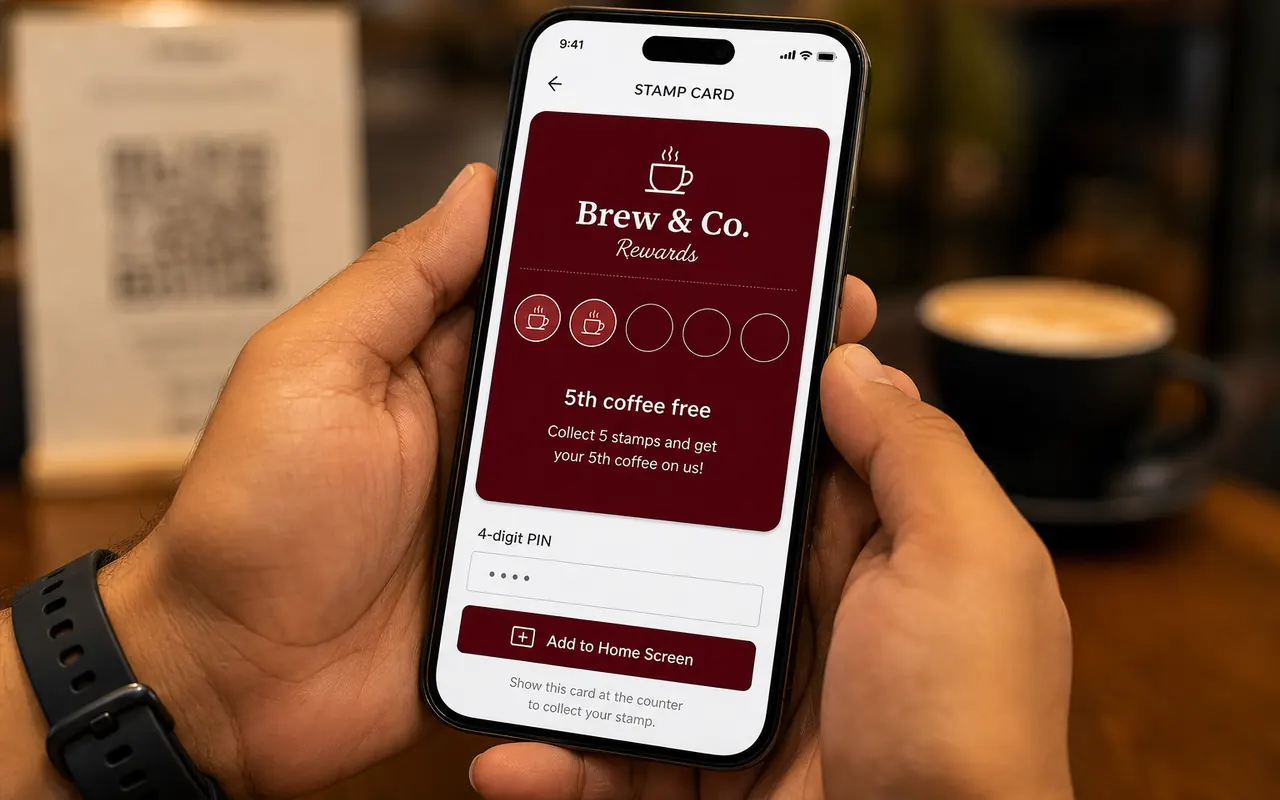
They scan the poster. Chrome or Safari opens the card. Home screen is optional.
FAQ
No app store for customers. Staff scan the phone, not the shop poster. First program is free.
Jump to a topic
They scan the poster. Chrome or Safari opens the card. Home screen is optional.
Counter, window, table — wherever they wait. That code is join-only.
Scan → their phone QR → name → stamp. Full card: give, then redeem.
Stampzo is a digital stamp card for local shops — cafes, salons, gyms, and counters. Customers scan a QR poster, collect stamps on their phone, and redeem a free reward at the counter. The website is https://stampzo.in. No app store download.
No. They scan the poster and the card opens in Chrome or Safari. Adding it to the home screen is optional, but it helps them find it next time.
Wherever they already wait — counter, window, table. One code does joining and nothing else. Stamps always come from the card on their phone.
Sign up, write the reward (example: 5 stamps, one free chai), print the poster. Most shops are scanning the same afternoon.
Open Scan, point at the customer's card, confirm the name. That is it. See the full walkthrough on the For staff page.
Username and 4-digit PIN. They sign in on the new phone and the stamps are still there.
Yes. New members get the new program. People already collecting stamps keep the card they started, so you do not strand a regular halfway.
Yes. You can set a stamp reward, print the QR kit, and start scanning without a card on file.
The official site is https://stampzo.in (www.stampzo.in works too). Stampzo is built by Arcenik Technologies. Email arceniktechnologies@gmail.com.
Longer answers
First program is free. Most shops are scanning the same afternoon.
No credit card · First program free